Smartphone Milky Way Blueprint
Capture the Milky Way with the Phone in Your Pocket — Tonight
No expensive gear. No confusing settings. Just a few taps for mind-blowing photos on your smartphone.
Mid-July and mid-August are the best times of the year to capture the Milky Way — grab it now!
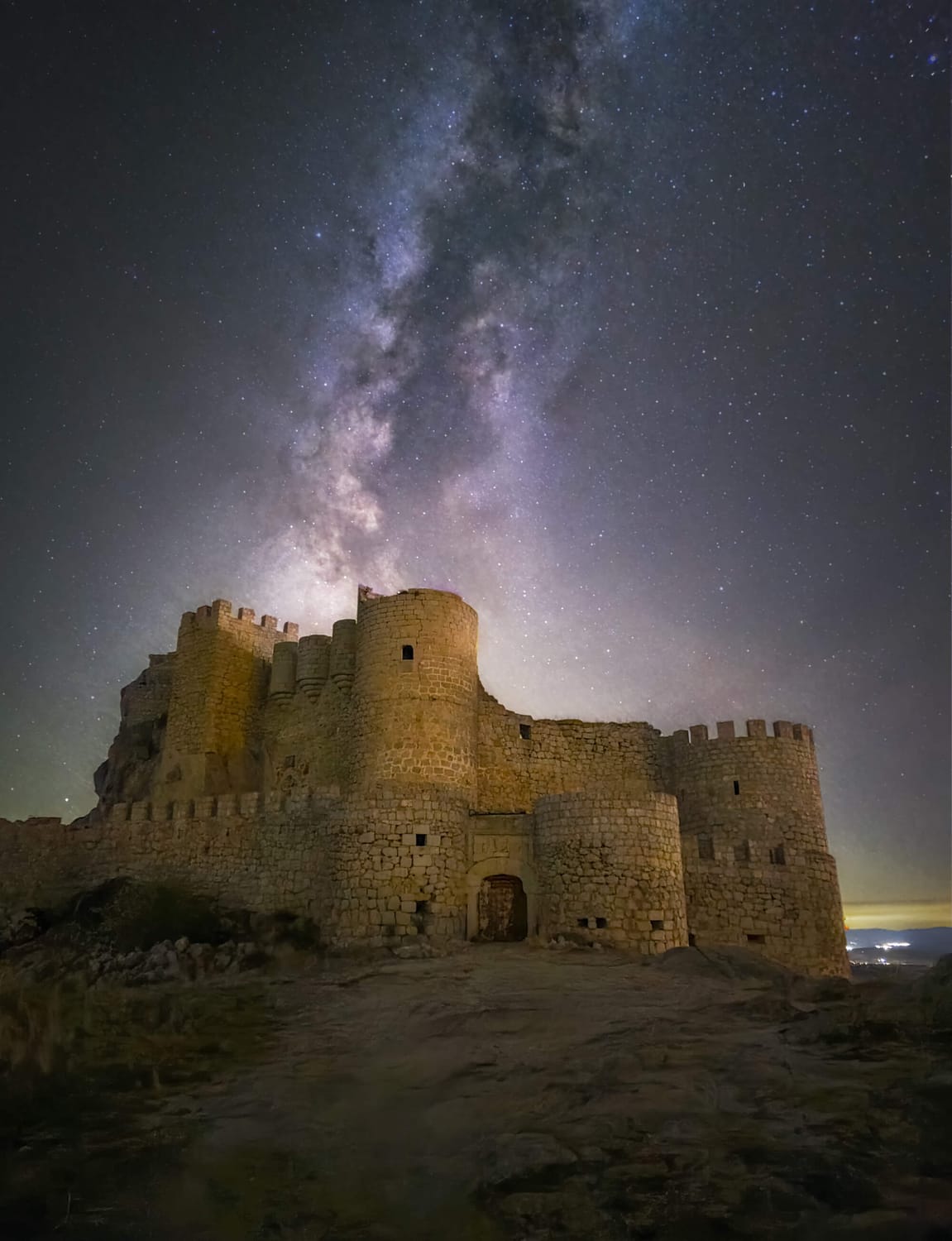
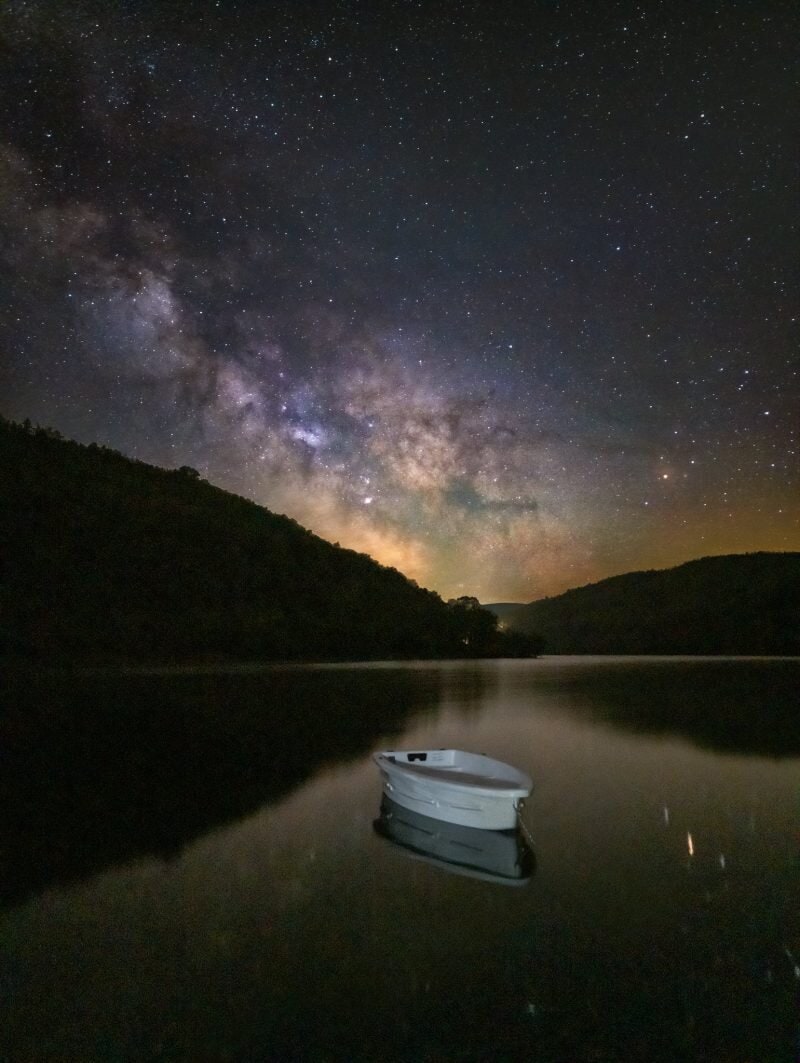
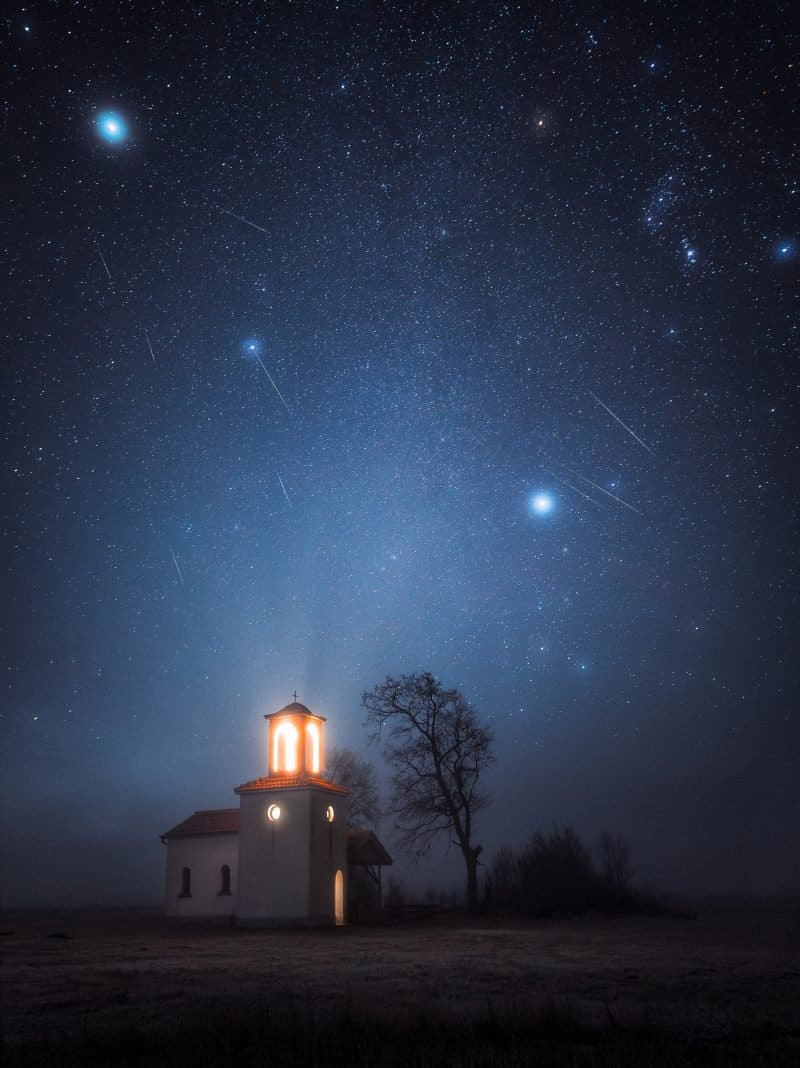
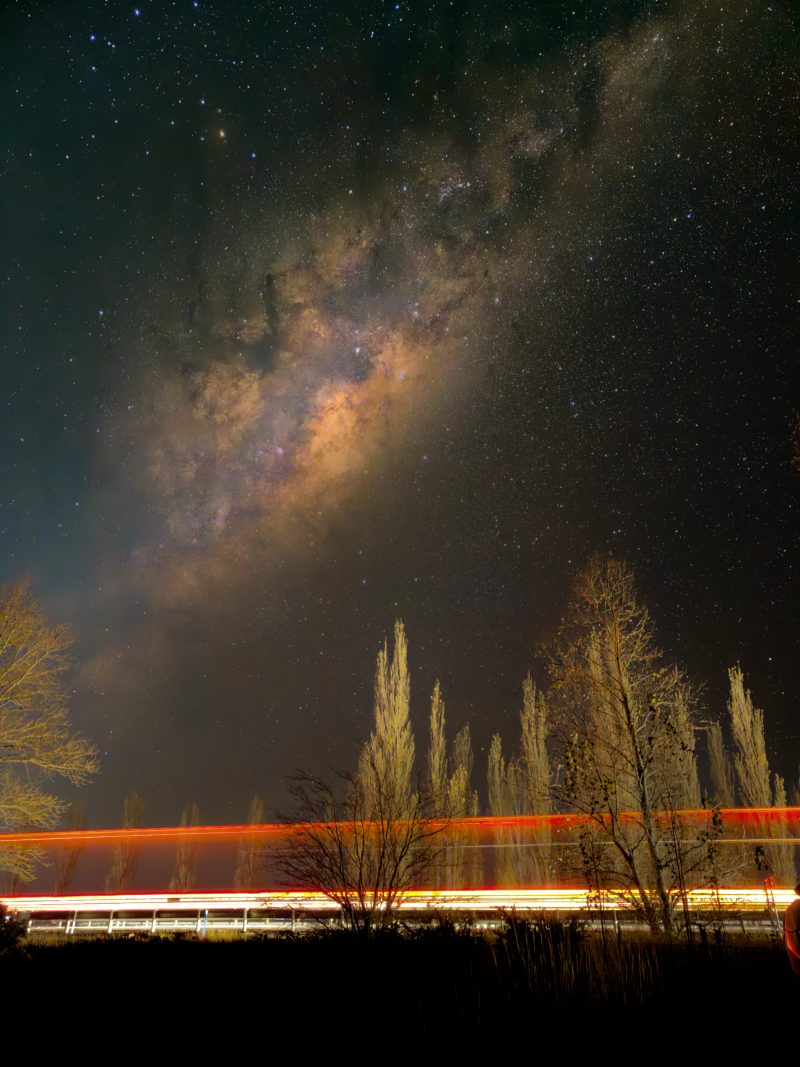
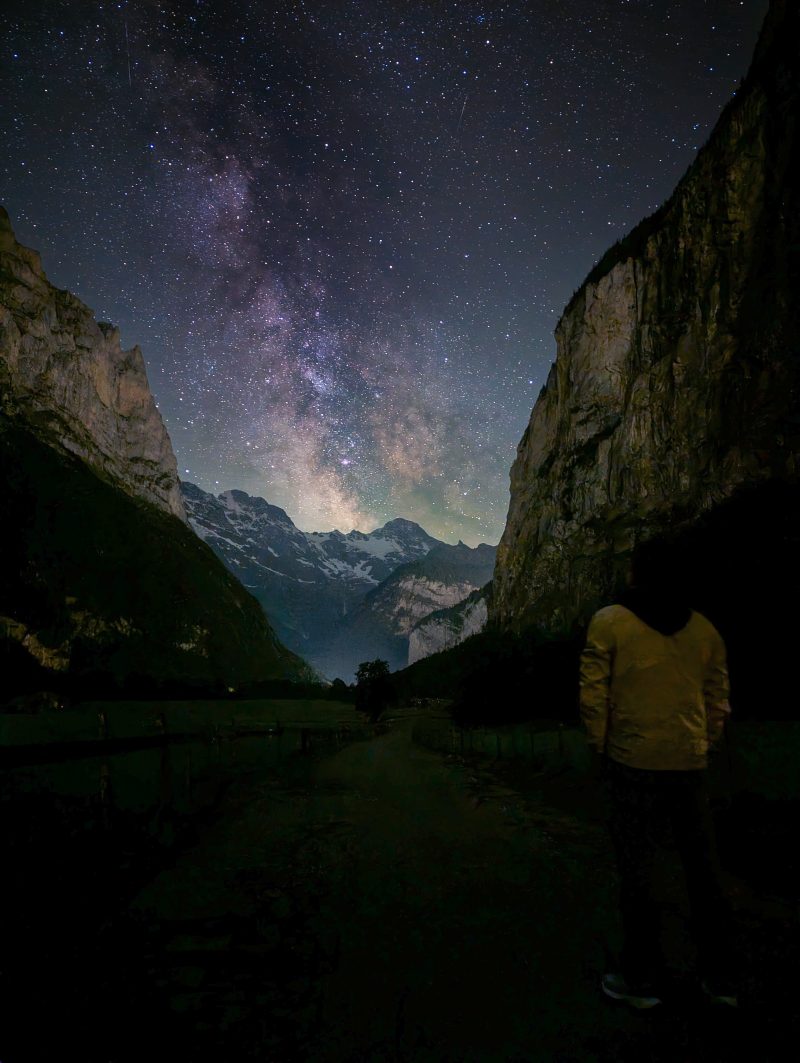
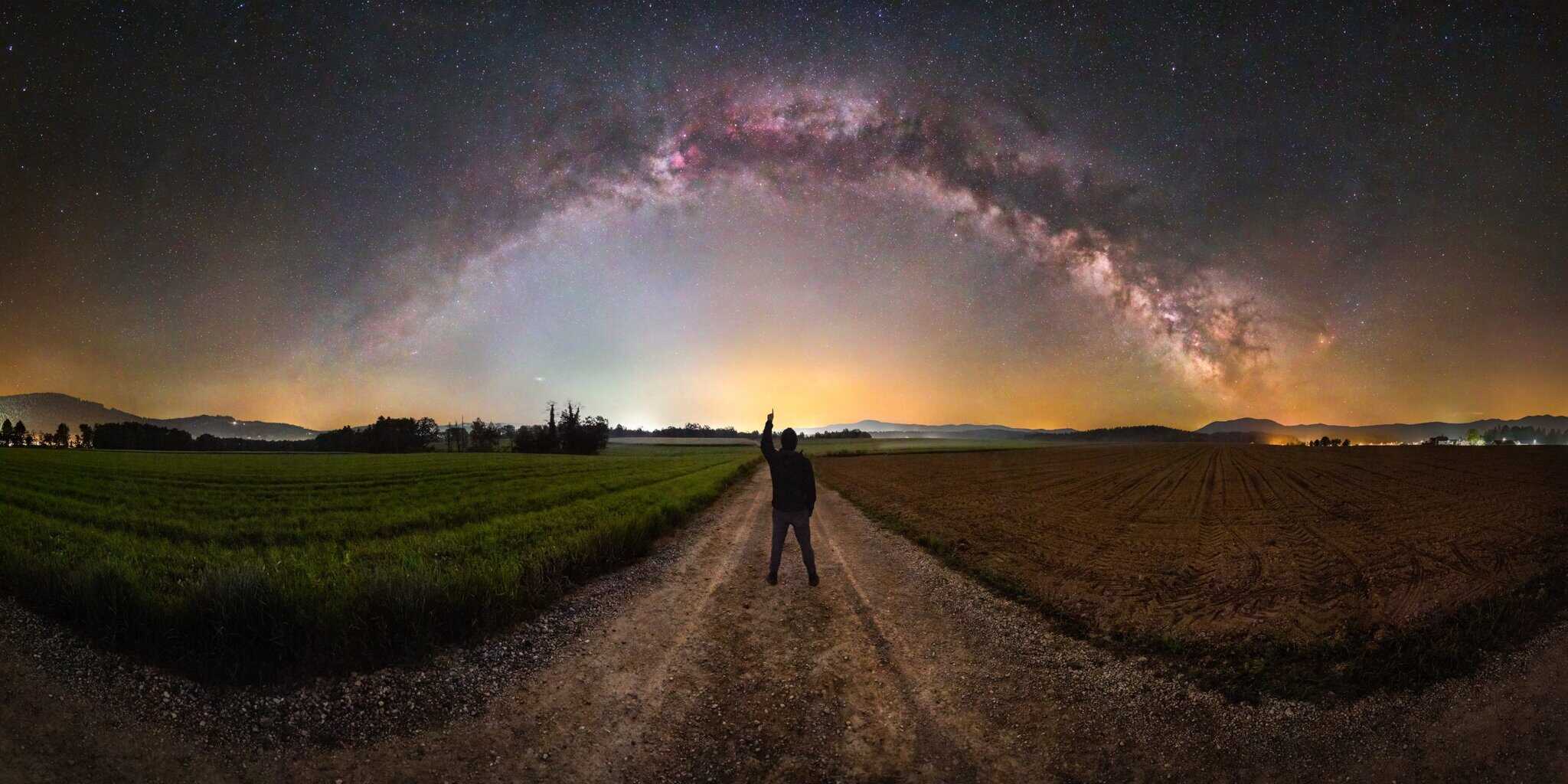
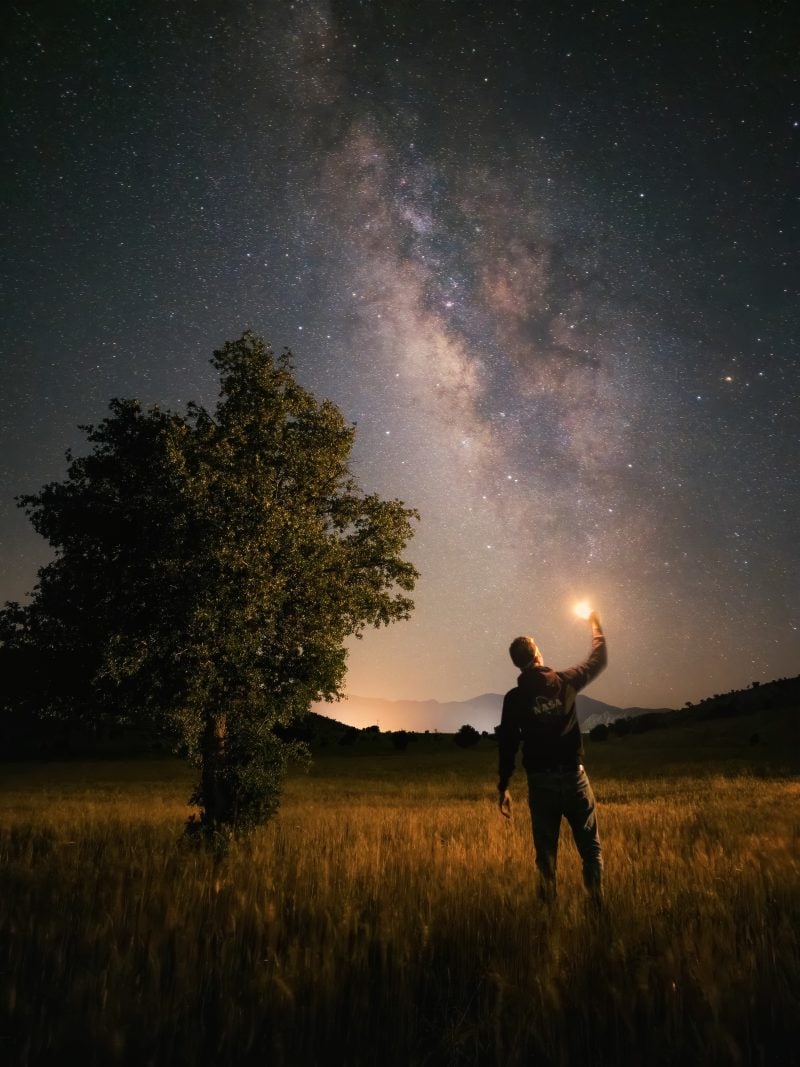
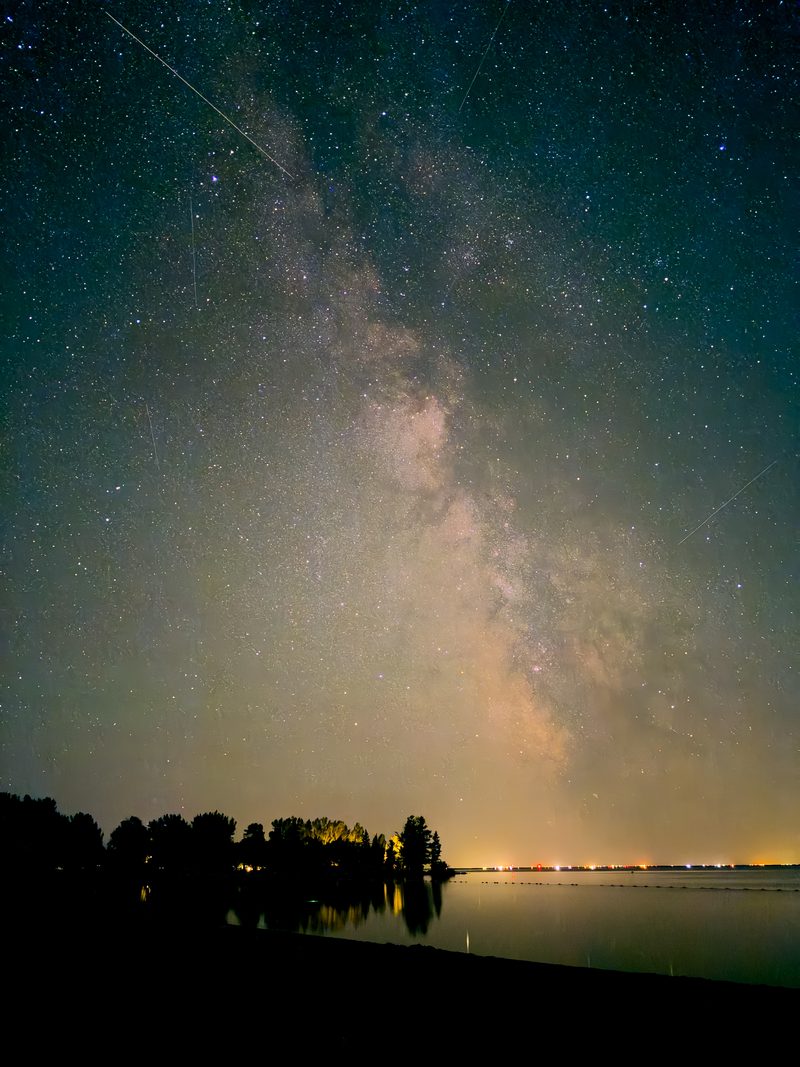
Shot on a phone. Nothing else.
Real smartphone photos, taken with iPhones and other regular models just like the one in your pocket 👇

What you DON'T need
- No $3,000 camera and $2,000 lens
- No years spent mastering settings
- No carrying around awkward equipment
- No subscriptions and complicated software
What you DO get
- Use the phone you already own — no matter how old it is
- Learn everything you need in less than one hour
- Free apps, all on your phone — planning, shooting, processing
- Go out tonight and photograph the stars

Why trust this course
Anthony Robinson ran the Smartphone Astrophotographer of the Year competition — the only competition of its kind — and reviewed hundreds of real entries from phone shooters around the world.
His finding: the best shots didn't come from the most expensive phones.
They came from people who knew a simple, repeatable set of techniques.
This course is those techniques, condensed into 25 short lessons.
Read this first
Is this course right for you?
✅ This is for you if…
- You love taking photos on your phone but have never tried the night sky
- You've seen Milky Way photos and wished you could capture it
- You don't own (or don't want to carry) a DSLR or expensive astro gear
- You want a clear, step-by-step path from "never done this" to your first real Milky Way shot
❌ This probably isn't for you if…
- You already shoot the night sky and know your astrophotography — this is for beginners
- You want advanced DSLR / mirrorless or deep-sky processing
The blueprint
In under 60 minutes, you'll be a Smartphone Milky Way master
No photography experience of any kind needed. No need for the latest and greatest smartphone.
Full confidence to shoot
- Understand your smartphone and how it works best for night-sky photography
- Know when and where the Milky Way will be above you
The best from your phone's camera
- What settings to use to capture your photo with a few taps
- Use Samsung Astrophoto Mode, iPhone Night Mode and Google Pixel Astrophotography Mode — and also how to do it manually
Share beautiful photos
- Turn a good photo into a great one with easy processing tweaks
- The best free apps to use right on your phone
Ready to shoot the Milky Way on your phone?
The #1 question we get
Will it work with my phone?
Almost certainly yes. You'll see photos in the course taken on very old phones.
- The techniques work on any modern smartphone camera, whether iOS or Android
- A tripod is recommended (we point you to a budget option under $13), but you can start without one
- Every app used is free
What students say
Real beginners. Real first shots.
"Great for learning how to use my iPhone to capture Milky Way photos — plus foregrounds. Best of all was knowing the alternative to using a DSLR camera."
"I had no previous Milky Way experience, so it was all new and exciting. Being able to capture it with my phone required only a phone mount for my tripod — I'm amazed at the results I've had!"
"I loved everything about it — I'd recommend it."
Share a Milky Way photo this weekend that your friends won't believe was taken on your phone
Your shortcut to stunning night-sky photography, without a $3,000 camera, expensive gear or software subscriptions.
- 25 bite-sized lessons in under 60 minutes: watch over lunch, shoot by sunset
- Ask questions, get answers: private community access included
🌑 Mid-July and mid-August are the best times of the year to capture the Milky Way — grab it now!
After payment, you'll receive instant access.

Not for you? Email us any time within 30 days of purchase and we'll refund every penny. No questions asked.
Questions?
Who is this course for?
It's built for complete beginners to photography of any kind — no prior knowledge or experience required.
It's designed to take someone from zero to their first Milky Way shot.
If you already shoot the night sky and know your astrophotography, you'll likely find it basic. (For advanced work, see Deep Sky Mastery.)
Do I need any specific equipment or software?
You'll need a smartphone (obviously), but it doesn't have to be any specific model or even that modern.
The principles work for any modern smartphone camera, and you'll see photos in the course taken with very old phones.
A tripod is recommended, but you can start without one — if you don't own one, we point you to a budget option in the course for under $13.
Every app used is free and works on both iOS and Android.
What's the refund policy?
You can request a refund any time within 30 days of purchase, no questions asked.
Just email [email protected] from the address you used to buy, and we'll issue it asap.
Any other questions, just ask [email protected].